Profile Setup After Registration
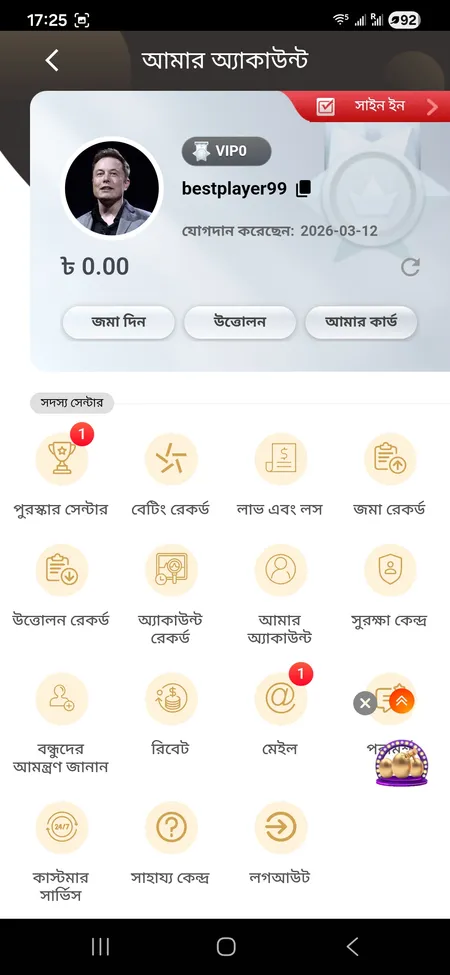
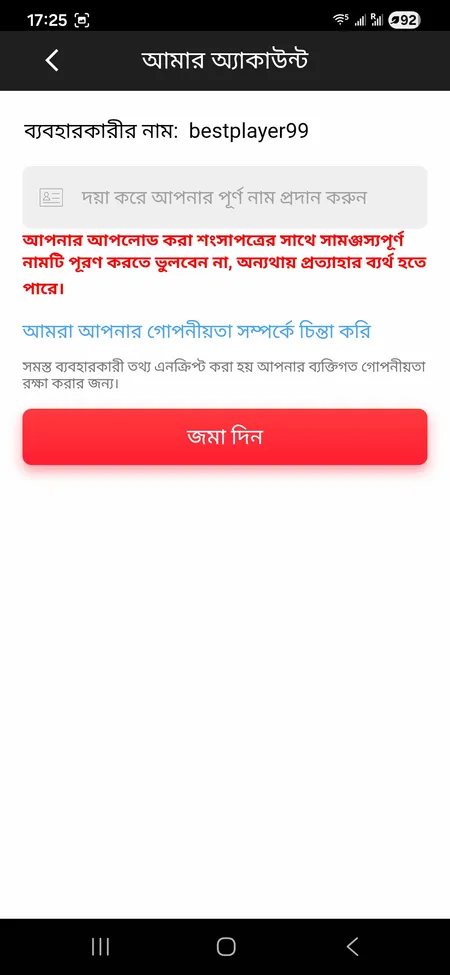
Registration creates the account, but one more step is needed before you can withdraw. Go to 'আমার অ্যাকাউন্ট' (My Account) and enter your full legal name in the 'পূর্ণ নাম' (Full Name) field. The platform displays a red warning: the name must match any documents submitted during KYC verification. Entering a nickname or abbreviated name at this stage will block your withdrawal later.
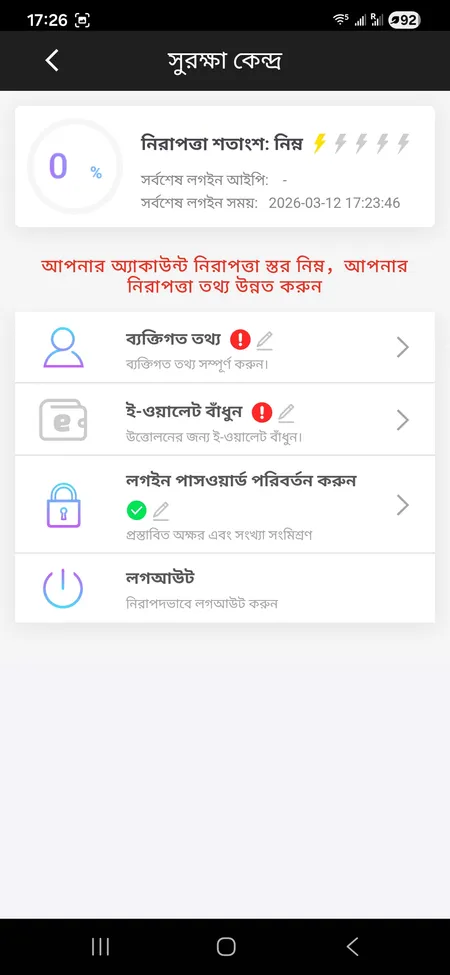
The Security Center ('সুরক্ষা কেন্দ্র') in your account menu shows your protection level. Completing personal data, linking an e-wallet, and setting a strong password all raise this score. A higher security level reduces the chance of account issues during withdrawal review.
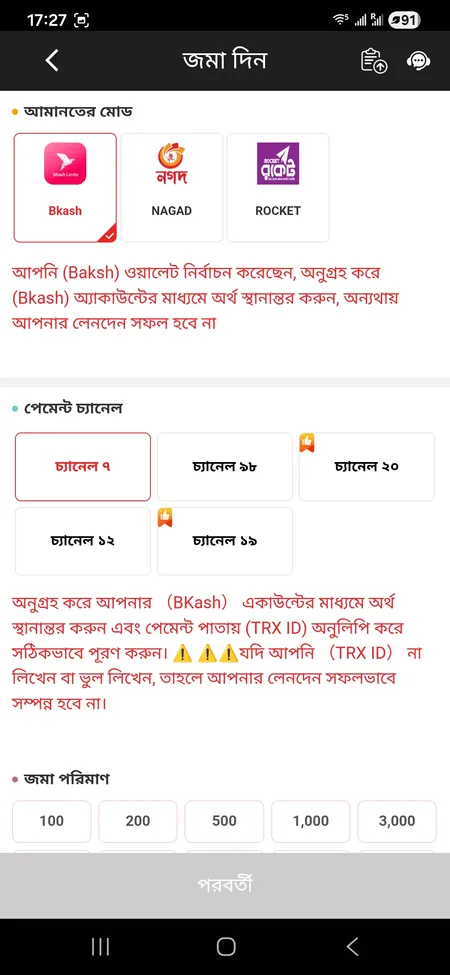
For payments, you also need to add a card via 'আমার কার্ড' (My Card). Supported methods are bKash, Nagad, and Rocket - all major mobile banking options used in Bangladesh. Bank transfers and Visa/Mastercard are also available.